
Download Simple Calendar Widget – calendar widget, Android calendar, home screen calendar, free calendar app, simple calendar, daily planner, event reminder, date tracker
Overview
Simple Calendar Widget is a lightweight, free desktop application designed for Android devices, developed by mycolorscreen. The software serves as a visual calendar tool that integrates directly into the Android home screen, providing users with immediate access to the current date, day of the week, and year. It is intended for individuals seeking a clean, uncluttered way to track important dates without navigating through multiple apps. The primary function is to display upcoming events such as birthdays, weddings, graduations, proms, and children’s activities directly on the home screen, enabling quick reference and improved time management.
Target users include home users, parents, students, and professionals who rely on calendar visibility for daily planning. The application works with existing calendar services, including Google Calendar, and supports integration with other calendar apps, enhancing its utility across different workflows. Real-world usage scenarios include monitoring school events, remembering family milestones, or tracking personal appointments. The free version is fully functional, with no advertisements, offering a complete experience without hidden limitations.
Key Features & Capabilities
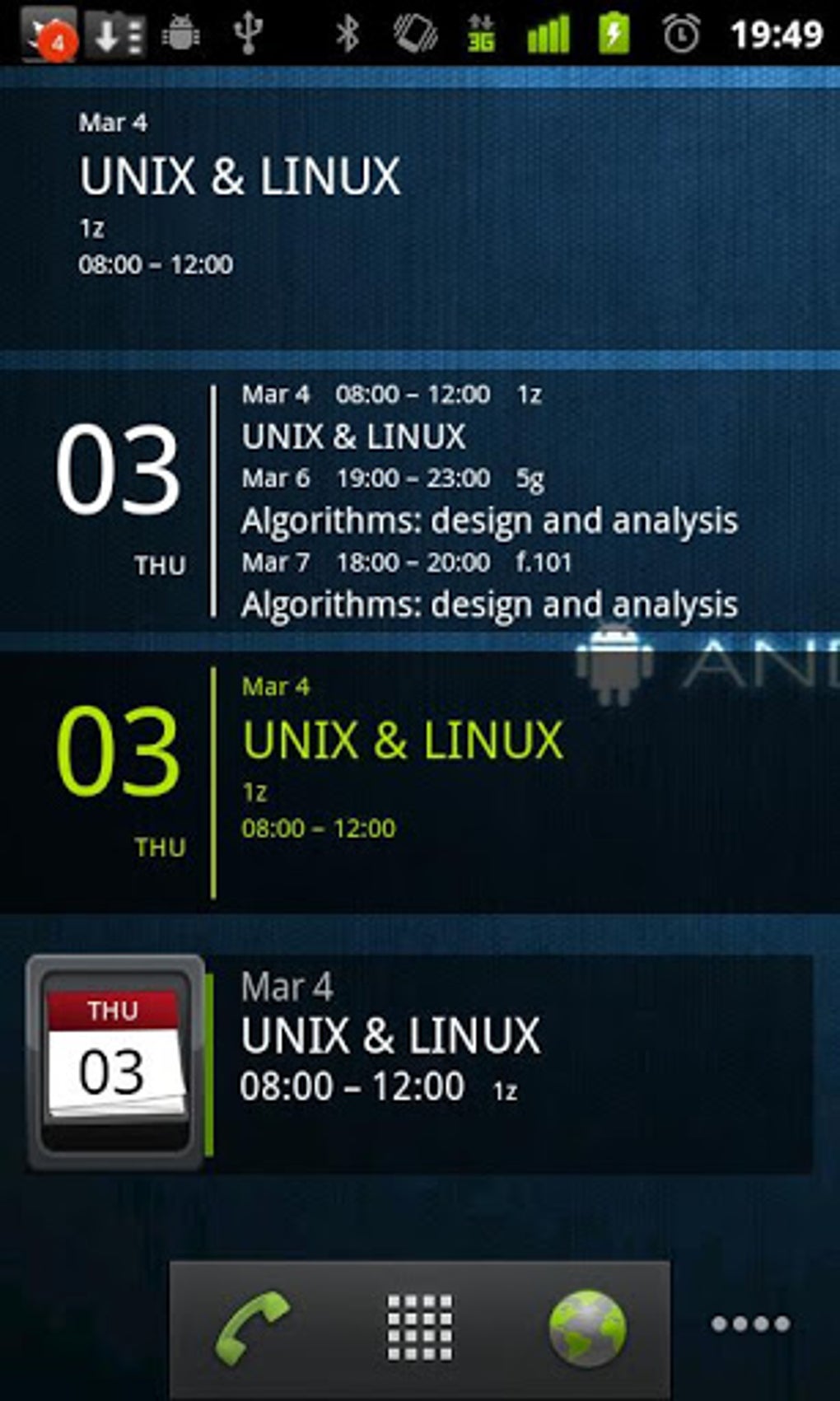
- Home Screen Integration – Users can add the widget directly to their Android home screen by dragging it to the desired location, allowing instant access to date and event information without opening a separate app.
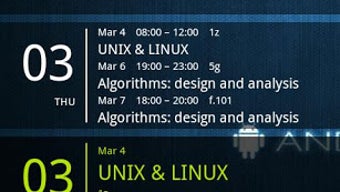
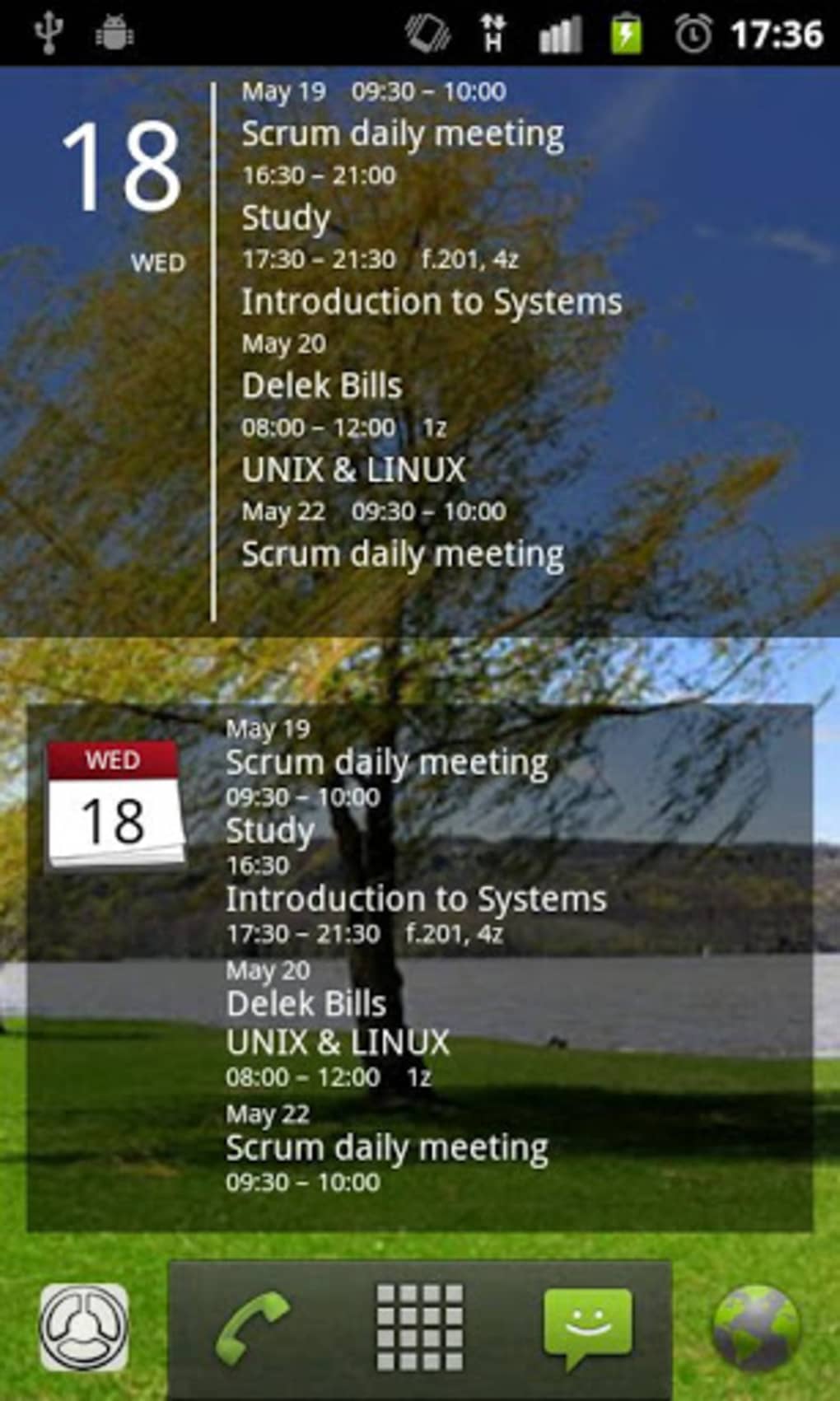
- Event Display – The widget displays upcoming events such as birthdays, weddings, graduations, proms, and children’s activities, helping users stay aware of important personal and family dates.
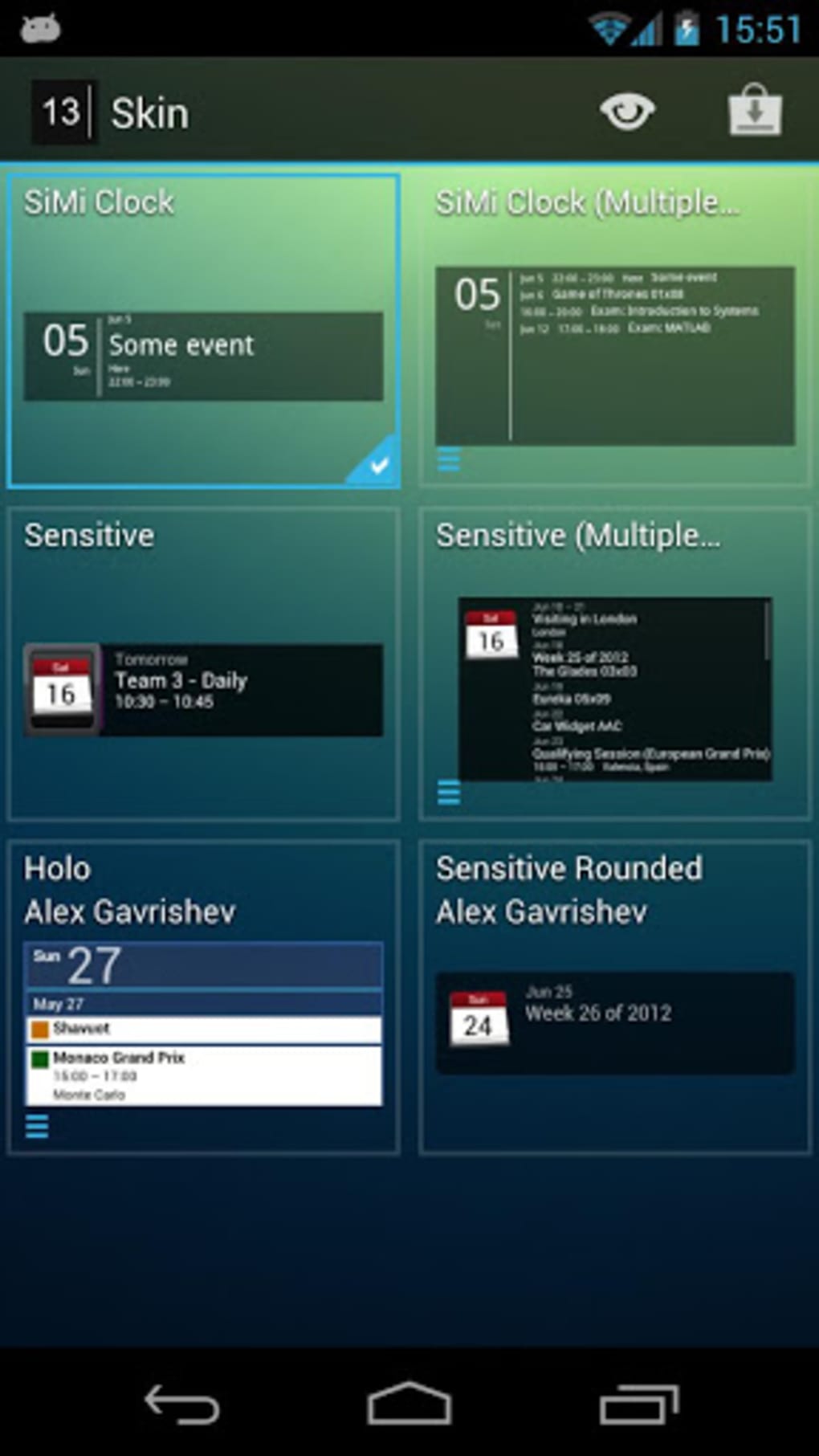
- Customization Options – Users can personalize the widget with different skins, colors, fonts, and text sizes to match their device’s aesthetic or personal preferences.
- Calendar Sync – The tool synchronizes with Google Calendar and other calendar applications, ensuring real-time updates and accurate event tracking.
- Time and Date Visibility – The widget shows the current day of the week, date, month, year, and time, providing a comprehensive overview of the current moment.
- Ad-Free Experience – The free version is fully functional and does not include advertisements, offering a clean and uninterrupted user experience.
These features support efficient daily planning by reducing the need to switch between apps. For example, a parent can quickly check upcoming school events or a student can monitor exam dates without opening a full calendar app. The ability to customize appearance ensures the widget fits seamlessly into various home screen layouts, improving both usability and visual harmony.
User Interface, Workflow & Performance
The user interface of Simple Calendar Widget is minimalistic and intuitive, aligning with Android’s design principles. The layout is clean, with clearly defined sections for the date, day, and upcoming events. Navigation is handled entirely through the home screen, with no additional menus or settings within the widget itself. Users interact with the widget directly by tapping it to view more details, if supported by the device’s interface.
Workflow efficiency is high, as the application requires minimal setup—users simply add the widget to their home screen and begin using it immediately. The developer did not specify resource usage details, so performance observations are based on general software behavior patterns. However, given its small size of 2.4 MB, it is likely optimized for low memory and CPU consumption. Stability is expected to be consistent with standard Android widgets, though exact behavior may vary across devices and Android versions.
Compatibility & System Requirements
Simple Calendar Widget is designed for Android devices, supporting both smartphones and tablets. The software is compatible with the Android operating system, though specific version requirements were not listed. The installation size is 2.4 MB, indicating a lightweight footprint suitable for devices with limited storage. The developer did not provide additional system requirements, so exact hardware specifications remain unknown.
Compatibility information was partially provided. While the app is confirmed to work with Google Calendar and other calendar apps, the developer did not specify whether it supports all Android versions or specific device models. Users should ensure their device runs a compatible version of Android to avoid installation issues. The lack of detailed compatibility data may require testing on individual devices.
Pros and Cons
Pros
- Free to download and use with no ads
- Lightweight at only 2.4 MB
- Simple, intuitive interface suitable for all users
- Customizable skins, colors, fonts, and text sizes
- Syncs with Google Calendar and other calendar apps
- Displays current time, date, day, and upcoming events
- Works on both phones and tablets
Cons
- Exact system requirements not specified
- Compatibility with older Android versions not confirmed
- Limited customization depth beyond skins and fonts
- No in-app settings or advanced configuration options
- Developer details beyond name are not available
FAQ Section
Is Simple Calendar Widget available for free?
Yes, the software is completely free to download and use, with no advertisements or in-app purchases.
Does the widget work with Google Calendar?
Yes, the widget syncs with Google Calendar and other calendar applications to display upcoming events.
Can I use this widget on both phones and tablets?
Yes, the application is designed to work on both Android smartphones and tablets.
Is the widget safe to install?
As a free application from mycolorscreen, it is available through official Android channels. Users are advised to download only from trusted sources to ensure security.
How do I update the widget?
Updates are automatically managed through the Google Play Store or official distribution channel. Users should ensure their device is connected to the internet and the app store is up to date.
Final Thoughts + CTA
Simple Calendar Widget delivers a focused, elegant solution for users who value simplicity and immediate access to calendar data. Its clean design, ad-free experience, and seamless integration with existing calendar services make it a strong choice for daily planners, parents, and students. While detailed system requirements and version compatibility are not fully disclosed, the lightweight nature and broad device support suggest wide accessibility.
For those seeking a reliable, no-frills calendar tool that enhances home screen functionality, this app stands out in the productivity category. It combines essential features with thoughtful customization, all without compromising performance or privacy.
Download Simple Calendar Widget now





.png)

